English
 Arabic
 French
 Spanish
 Portuguese
 Deutsch
 Turkish
 Dutch
Dutch
 Italiano
 Russian
 Romaian
 Portuguese (Brazil)
 Greek
Greek
Indoor Cycling Bikes: A Complete Guide to Effective Home Workouts
Drinks |
2026-08-09 05:04:57
 Advertise With Us
 About Us
 Terms And Conditions
 Политика конфиденциальности
Смотреть все
Политика конфиденциальности
Смотреть все

Обновить до Про
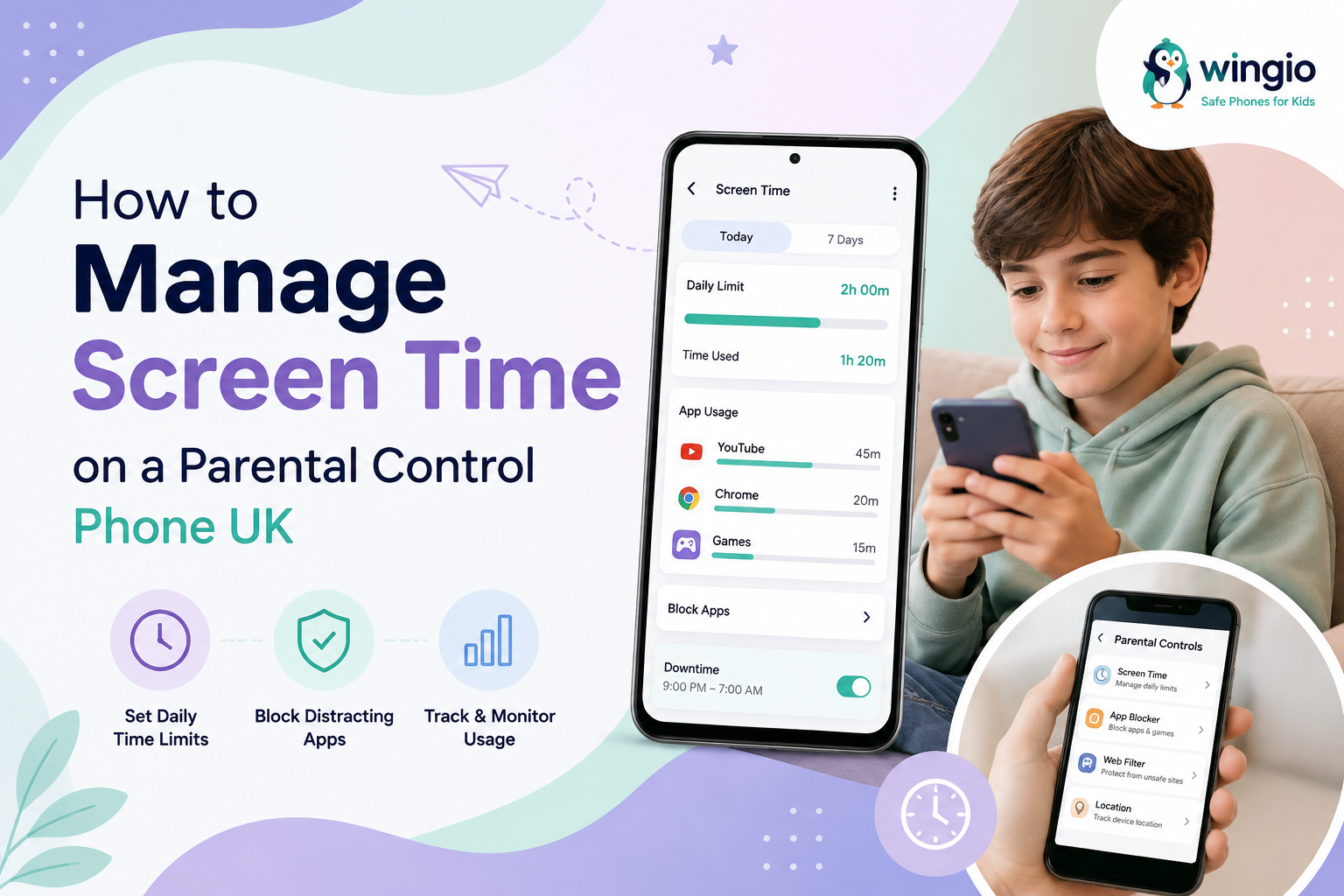
Managing screen time has become an important part of helping children develop healthy digital habits. Smartphones can be useful for communication, learning, entertainment and staying connected with family, but too much screen use can make it harder for children to focus on schoolwork, sleep well or spend time away from their devices.
A parental control phone UK gives parents tools to manage how and when a child uses their phone. Instead of completely removing access to technology, parents can create sensible boundaries that suit their child's age and daily routine.
Children use phones for many different reasons, from talking to friends and family to watching videos and playing games. Without clear boundaries, it can be easy for recreational screen time to increase throughout the day.
Screen time management can help parents:
Create healthy phone-use routines
Reduce unnecessary distractions
Encourage children to take regular breaks
Protect bedtime and study time
Manage access to certain apps and websites
Encourage a better balance between digital and offline activities
The goal is not necessarily to eliminate screen time. Instead, parents can focus on making phone use safer, more balanced and age appropriate.
One of the simplest ways to manage a child's smartphone use is to establish daily limits.
A parental control phone can allow parents to decide how much time a child can spend using certain apps or the device overall. For example, entertainment apps could have stricter limits while communication or educational apps remain available when needed.
The right limit will depend on the child's age, school routine, activities and individual needs. Parents should also regularly review the limits rather than treating them as permanent rules.
Screen-free periods can be just as important as daily limits.
Parents may choose to make certain parts of the day phone-free, such as:
During homework
During family meals
Before bedtime
During outdoor activities
While attending school or studying
These boundaries can help children understand that smartphones are only one part of their daily lives.
A parental control phone UK can also help parents control the types of content children can access.
Parents can review which apps are installed and restrict access to unsuitable apps or websites. Blocking inappropriate content can provide an additional layer of protection while children are learning how to navigate the internet responsibly.
It is also useful to explain why certain apps or websites are restricted. Open conversations can help children understand online safety instead of simply viewing parental controls as punishment.
Late-night phone use can interfere with a child's bedtime routine. Setting a device downtime period can help prevent unnecessary phone use late at night.
Parents can configure restrictions so entertainment apps or other non-essential functions become unavailable during bedtime hours. The phone can still remain available for important communication where appropriate.
A consistent bedtime routine can make it easier for children to switch off from their devices and prepare for sleep.
Not all screen time has the same purpose.
A child might use a phone for:
Calling parents
Messaging family
Homework
Educational apps
Watching videos
Gaming
Social media
Parents can consider setting different rules depending on the activity. Educational and communication tools may need more flexibility, while gaming and entertainment can have shorter limits.
This makes screen time management more practical than applying one restriction to everything.
Children's needs change as they grow. A screen-time routine that works for a younger child may not be appropriate for an older child.
Parents should regularly check:
How much time the child spends on the phone
Which apps they use most
Whether restrictions are still appropriate
Whether phone use is affecting homework or sleep
Whether new apps need to be reviewed
Regular reviews also create opportunities to discuss responsible smartphone use with children.
Technology alone cannot replace parental guidance.
Even the best parental control phone UK should be part of a wider approach to digital safety. Parents can talk to children about online privacy, strangers, inappropriate content, cyberbullying and responsible communication.
Explaining the reasons behind restrictions can help children gradually develop the skills they need to manage technology independently.
For parents who want greater control over their child's smartphone experience, a dedicated kids' phone can provide useful features such as screen time management, app restrictions, website controls and other parental settings.
A solution such as Wingio is designed to give children access to useful smartphone features while helping parents maintain appropriate boundaries.
Managing screen time does not have to mean completely restricting a child's access to technology. With the right parental controls, parents can create reasonable boundaries around entertainment, apps, websites, study time and bedtime.
A parental control phone UK can make these rules easier to manage while helping children gradually develop healthier digital habits. Combined with regular conversations and consistent family rules, screen time management can help children enjoy the benefits of smartphones in a safer and more balanced way.