English
 Arabic
 French
 Spanish
 Portuguese
 Deutsch
 Turkish
 Dutch
Dutch
 Italiano
 Russian
 Romaian
 Portuguese (Brazil)
 Greek
Greek
GOA NIGHTLIFE: AN UNMATCHED COASTAL ENTERTAINMENT EXPERIENCE
Other |
2026-08-12 17:35:22
 Advertise With Us
 About Us
 Terms And Conditions
 Datenschutzbestimmungen
Alle anzeigen
Datenschutzbestimmungen
Alle anzeigen

Upgrade auf Pro
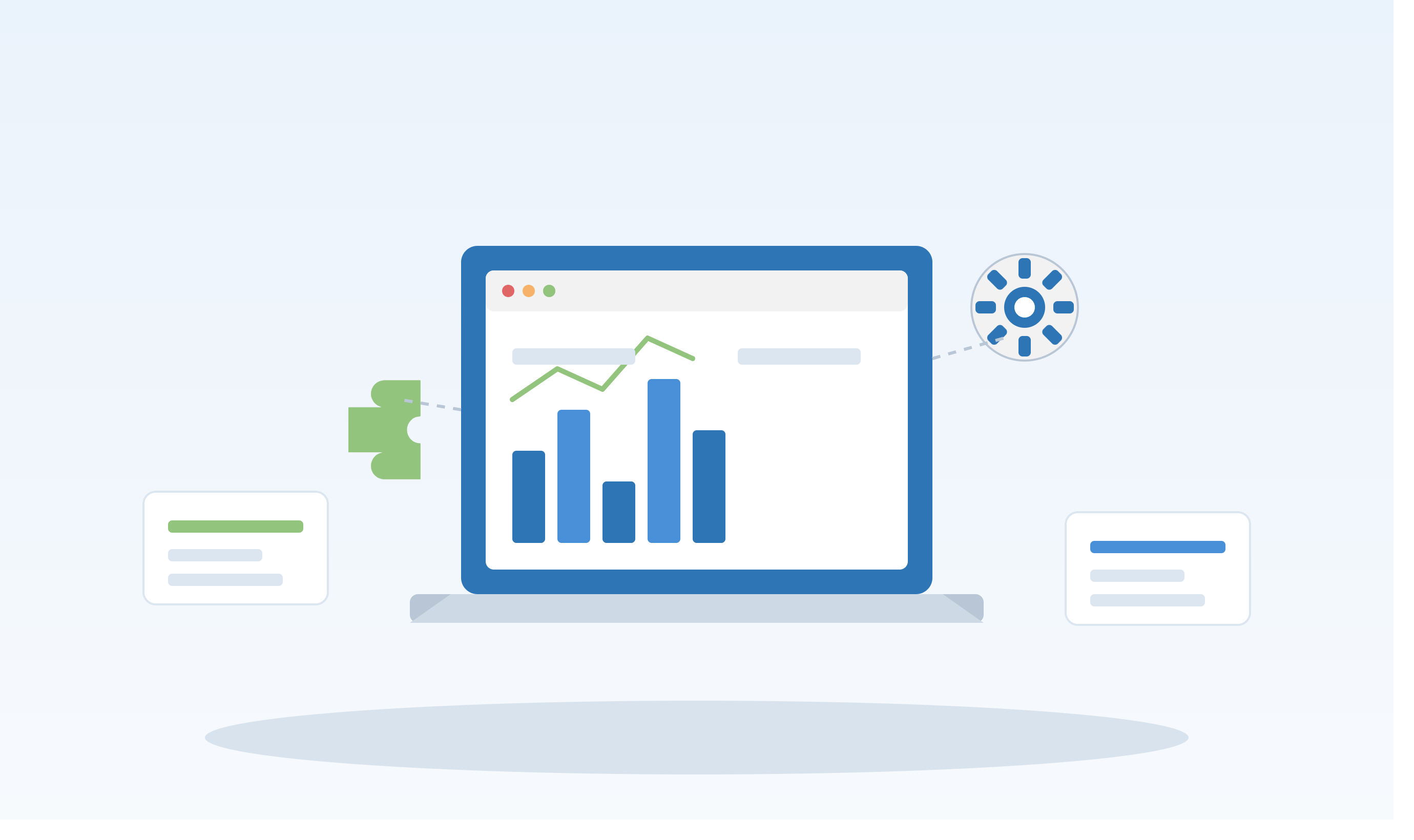
Building custom software tools no longer requires large development teams or months of engineering work. Internal tool builders make it easier for businesses to create applications that improve workflows, manage data, automate repetitive tasks, and support day-to-day operations.
Internal tool builders are platforms that allow businesses to create custom applications for employees and internal teams. These tools can connect with databases, APIs, spreadsheets, and other business systems without requiring developers to build everything from scratch.
Common examples include:
Employee dashboards
Admin panels
Inventory management systems
Customer support tools
Approval workflows
Data reporting dashboards
CRM interfaces
Operations management tools
Traditional software development can require significant time and resources. Internal tool builders simplify the process by providing reusable components, integrations, and visual development environments.
Businesses can use them to:
Reduce development time
Automate manual processes
Improve team productivity
Connect different business systems
Build custom dashboards
Reduce repetitive engineering work
Many platforms provide visual components that allow users to create interfaces without writing every element from scratch.
Internal tools can connect to databases and display business information in searchable tables, dashboards, and reports.
API integrations allow internal applications to communicate with external services and existing company software.
Teams can automate repetitive processes such as approvals, notifications, data updates, and reporting.
Role-based permissions help ensure employees can only access the information and functions relevant to their responsibilities.
One of the biggest advantages of internal tool builders is speed. Teams can turn an idea into a functional internal application much faster than developing a traditional application from the ground up.
They can also reduce engineering costs because developers can focus on complex, customer-facing products while business teams build simpler operational tools.
Internal tool builders are useful across many departments.
Operations teams can create dashboards for tracking orders, processes, and performance.
Finance teams can build reporting tools, approval systems, and expense management workflows.
Sales teams can create custom dashboards for leads, customer activity, and sales performance.
Support teams can use internal applications to manage tickets, customer information, and escalation workflows.
HR departments can create employee directories, onboarding systems, and leave-management tools.
Before selecting a platform, consider its integrations, ease of use, security, scalability, customization options, and pricing.
A good solution should work with your existing technology stack and allow your team to build tools without creating unnecessary technical complexity.
Traditional development provides maximum customization but often requires more time, developers, and maintenance. Internal tool builders offer a faster approach for applications that primarily serve internal business needs.
The right choice depends on the complexity of the application, security requirements, available technical resources, and expected scale.
To get the most value from internal tool builders:
Start with a clearly defined business problem.
Identify the employees who will use the tool.
Connect only the data and services you need.
Establish appropriate user permissions.
Test workflows before deployment.
Monitor usage and improve the tool based on feedback.
Internal tool builders give businesses a practical way to create customized applications without building every component from scratch. From dashboards and admin panels to automated workflows and data management systems, these platforms can help teams work more efficiently while reducing development time.
As businesses continue adopting automation and AI, internal tool builders are becoming an increasingly valuable part of modern software development and business operations.