English
 Arabic
 French
 Spanish
 Portuguese
 Deutsch
 Turkish
 Dutch
Dutch
 Italiano
 Russian
 Romaian
 Portuguese (Brazil)
 Greek
Greek
Custom Hair Straightener Boxes Elevate Your Beauty Brand with Premium Packaging
Other |
2026-07-10 21:30:40
 Advertise With Us
 About Us
 Terms And Conditions
 Privacy Policy
Ver Todo
Privacy Policy
Ver Todo

Upgrade to Pro
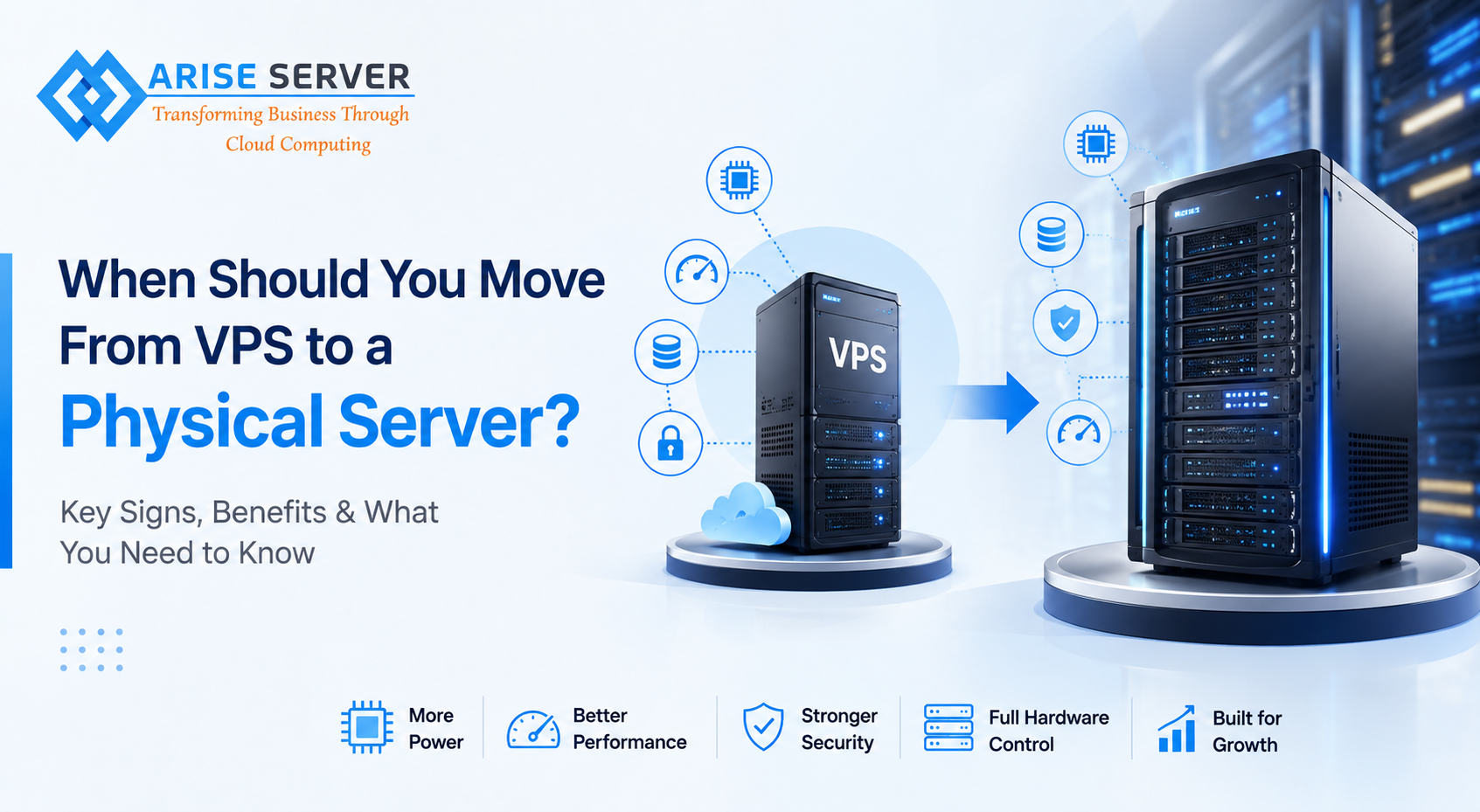
Starting with a VPS is often a practical choice for a growing business. It provides more resources and control than shared hosting while keeping infrastructure costs manageable. But as websites, applications, databases, and customer traffic grow, a VPS may eventually reach its limits.
That raises an important question: when is it actually time to move from a VPS to a physical server?
The answer depends on your workload, resource requirements, performance expectations, security needs, and future growth plans. Moving to dedicated infrastructure too early can increase unnecessary costs, while waiting too long can lead to performance problems.
A VPS uses virtualization technology to divide a physical machine into multiple virtual environments. Each VPS receives allocated resources such as CPU, RAM, storage, and bandwidth.
A physical or dedicated server, on the other hand, gives one customer access to the entire machine.
This difference becomes important when your applications require consistent resources or need more processing power than a virtual environment can comfortably provide.
One of the clearest signs that your VPS is becoming insufficient is consistently high resource usage.
If CPU or RAM usage frequently reaches its limits, you may notice:
Before upgrading, check whether better optimization or a VPS resource upgrade can solve the problem. If your workload has consistently outgrown the available virtual resources, dedicated infrastructure may be the more suitable long-term option.
Business growth often brings more visitors, transactions, API requests, and background processes.
A VPS can handle considerable traffic, but there comes a point where predictable and consistently available resources become more important.
For example, an online store experiencing a major increase in visitors during sales events may require substantial CPU, memory, and storage performance. A physical server can provide the resources needed to handle demanding workloads without sharing the underlying hardware with other virtual environments.
Not every workload has the same requirements.
Standard websites may run efficiently on a VPS, while resource-intensive applications can require considerably more CPU power.
Dedicated infrastructure can be beneficial for:
If your applications consistently require more processing power, moving to a physical server may provide a more suitable environment.
Storage can become another limitation as a business grows.
Websites may accumulate product images, videos, customer records, databases, backups, logs, and application files over time.
A dedicated server can provide significantly more storage capacity and allow businesses to select hardware configurations based on their workload.
When comparing providers, don't just look at storage capacity. Consider whether the server uses SSD or NVMe storage, as storage performance can have a significant impact on applications that perform frequent read and write operations.
One of the biggest advantages of dedicated infrastructure is having the entire physical machine available to your business.
With a VPS, the underlying physical server hosts multiple virtual environments. Although resources are allocated to each VPS, businesses with demanding workloads may prefer the predictability of dedicated hardware.
If performance consistency is critical to your operations, a physical server can provide greater control over the infrastructure supporting your applications.
As a business grows, its security requirements often become more sophisticated.
Companies handling customer information, financial transactions, proprietary applications, or sensitive business data may need greater control over their server environment.
Dedicated infrastructure can provide additional control over:
A dedicated server doesn't automatically make an application secure, but having more control over the underlying infrastructure can make it easier to implement a security strategy appropriate for your workload.
Virtualization is one of the reasons VPS hosting is so flexible and cost-effective. However, certain applications may benefit from direct access to physical hardware.
If your workload requires specialized hardware configurations, substantial CPU resources, large amounts of RAM, or highly predictable performance, dedicated infrastructure may be a better fit.
This is particularly relevant for businesses running specialized applications that cannot perform efficiently within a smaller virtual environment.
A VPS typically provides control over the virtual environment, but you don't have the same level of control over the physical machine.
With a dedicated server, you can often select hardware specifications that match your workload more precisely.
For businesses searching for the best dedicated server Canada, hardware flexibility should be one of the factors considered alongside network quality, support, security, uptime, and pricing.
The right server isn't necessarily the one with the highest specifications. It is the one that matches the actual requirements of your business.
There is no universal answer.
| Requirement | VPS | Dedicated Server |
|---|---|---|
| Smaller websites | Excellent | May be unnecessary |
| Growing business websites | Good | Excellent |
| High traffic | Depends on resources | Excellent |
| Large databases | Depends on workload | Excellent |
| Predictable hardware performance | Moderate | Strong |
| Hardware customization | Limited | Greater |
| Cost efficiency for smaller workloads | Strong | Lower |
| Resource-intensive applications | May have limitations | Strong |
A VPS remains an excellent solution when your resource requirements are moderate. Upgrading to dedicated infrastructure makes more sense when performance, resource availability, hardware control, or scalability becomes a priority.
Don't upgrade simply because your business is growing. First, analyze your current infrastructure.
Look at:
CPU usage: Identify whether processors are consistently reaching their limits.
RAM usage: Check whether memory shortages are causing slowdowns or application instability.
Storage: Determine how quickly your storage requirements are increasing.
Bandwidth: Review traffic patterns and data transfer requirements.
Database performance: Monitor query response times and database resource consumption.
Traffic patterns: Look at normal traffic as well as peak periods.
Future growth: Consider where your workload is likely to be 6–12 months from now.
This information can help you determine whether you need a larger VPS or a complete move to dedicated hardware.
Before making the switch, check whether your existing VPS can be optimized.
Caching, database optimization, image compression, application improvements, CDN implementation, and better server configuration can sometimes resolve performance problems without requiring a new server.
However, optimization has limits. If the workload simply requires more CPU, RAM, storage, or dedicated resources, upgrading the infrastructure may eventually become unavoidable.
Once you've decided that a physical server is necessary, compare providers based on more than price.
Important factors include:
For businesses serving customers in Canada, selecting infrastructure with a suitable Canadian network location can also help provide a more responsive experience for local audiences.
Moving from a VPS to a physical server is an important infrastructure decision. The right time to upgrade is usually when your existing environment can no longer provide the performance, resources, control, or reliability your business requires.
Don't upgrade simply because dedicated servers sound more powerful. Instead, monitor your actual workload and identify the limitations affecting your business.
If your applications consistently require greater processing power, storage, memory, or predictable performance, dedicated infrastructure may be the logical next step. For Canadian businesses, comparing providers carefully can help you find a solution that balances performance, reliability, scalability, and cost.
Arise Server offers dedicated server solutions for businesses with different performance and infrastructure requirements, making it possible to select resources based on your workload rather than paying for unnecessary capacity.