English
 Arabic
 French
 Spanish
 Portuguese
 Deutsch
 Turkish
 Dutch
Dutch
 Italiano
 Russian
 Romaian
 Portuguese (Brazil)
 Greek
Greek
Hops Market Growth Accelerates as Brewing Industry Increases Demand for Premium Hop Varieties
Other |
2026-07-21 09:23:02
 Advertise With Us
 About Us
 Terms And Conditions
 Privacy Policy
Ver Todo
Privacy Policy
Ver Todo

Upgrade to Pro
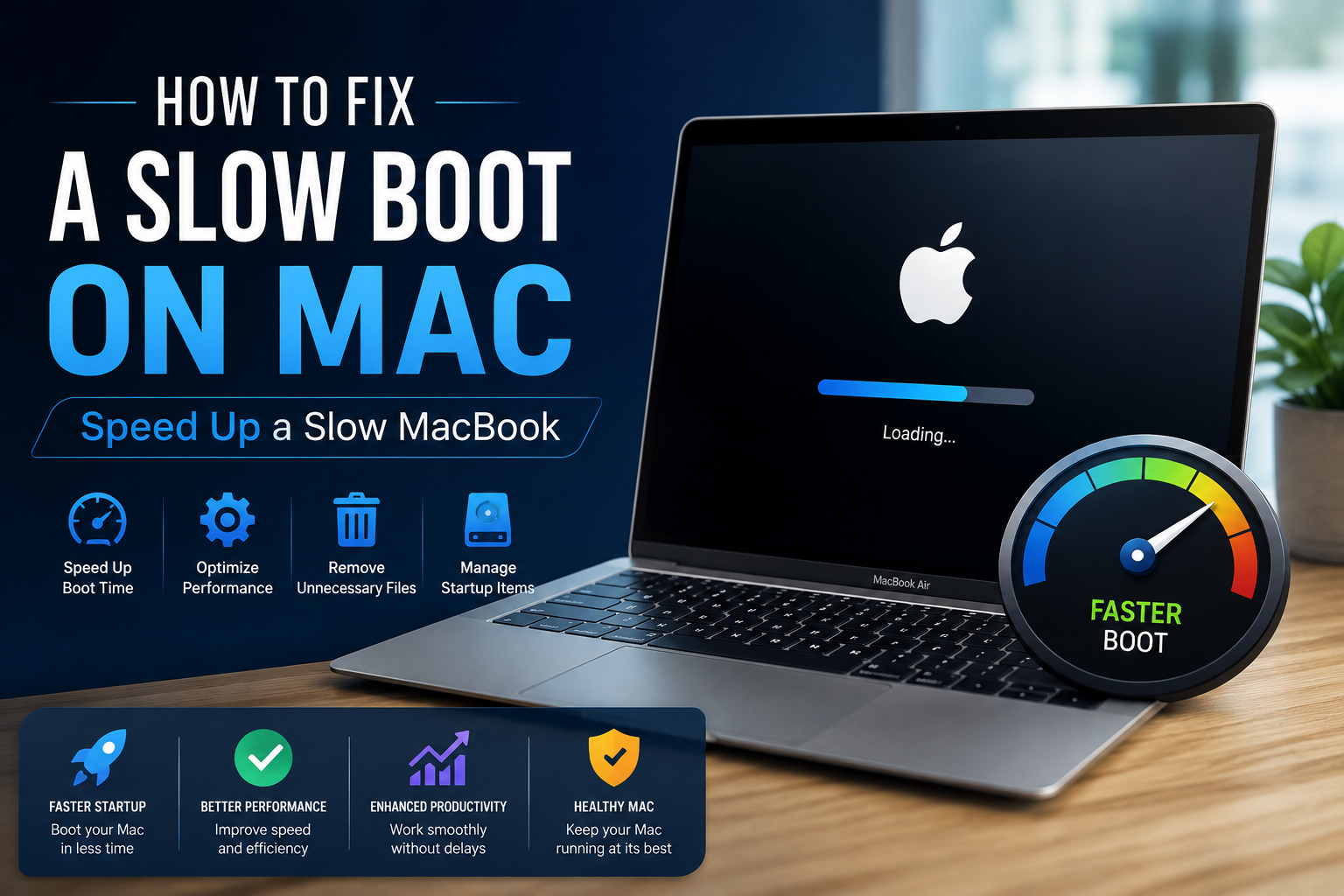
A slow-working or running Mac is quite troublesome, as it takes up too much time to even complete the most basic of tasks. From accessing a web browser to any other application, a slow-running Mac can result in numerous issues for you, which is why it is beneficial for every Mac user to know the reasons and solutions behind the issue. This article will mention the most common reasons why your Mac is running slow, along with how to fix slow boot mac.
If your Mac can no longer handle simple tasks, and you’re trying to find an answer to the “why is my Mac so slow?” question, the first place to look is Activity Monitor. Your goal is to keep track of all those processes running in the background, then quit the ones you don’t really need.
Solution: Shut down processes with Activity Monitor
Activity Monitor will show you what processes use too much of your system resources. Quitting an app that’s taking up a large amount of processing power could make a huge difference and speed up your slow Mac, like right away.
Nothing slows down a Mac more than an overloaded drive. So if there’s even a little chance to lighten the load on your Mac, take it. You may notice an increase in speed, almost immediately.
Solution: Clean up your drive
Well, the solution to cleaning up your drive is quite simple. Cleaning up old movie files, sorting your Desktop, and hunting around your Mac for outdated files is fairly easy, most of the time.
Our Macs can handle pretty intensive tasks, but they still overheat when too many CPU-heavy processes are active. Other reasons for overheating include a warmer room temperature, clogged fans or blocked vents, malware, or apps that are stuck, frozen, or unresponsive, which is a big reason behind MacBook running slow.
Solution: Manage your browser tabs and extensions, check CPU usage, & update your Mac
Browser tabs tend to be among the most resource-hungry processes on your Mac. Once they’re open, they keep running and steadily consume RAM and CPU. The best way to fix a slow MacBook Air, or any other model that’s acting hot, is to close every tab you aren’t using right now. Save the pages you want as bookmarks and come back later.
Did you know that a Mac running slow can be one of those telltale signs that your device might be infected with malware? So, if you see your Mac running slow, it can be a signal that your device is infected.
Solution: Run a scan on your device
The easiest solution that you have is to use an antivirus program and run it on your device, as it will scan your entire device and remove any virus or malware if detected.
These solutions will allow you to fix the speed of your Mac. You can also rely on the website Datarecovee to learn other solutions that you can use.