English
 Arabic
 French
 Spanish
 Portuguese
 Deutsch
 Turkish
 Dutch
Dutch
 Italiano
 Russian
 Romaian
 Portuguese (Brazil)
 Greek
Greek
Alternative Fuels Market: Pyrolysis Oil Driving the Shift from Fossil Fuels
Networking |
2026-07-17 11:27:50
 Advertise With Us
 About Us
 Terms And Conditions
 Privacy Policy
Hepsini Gör
Privacy Policy
Hepsini Gör

Upgrade to Pro
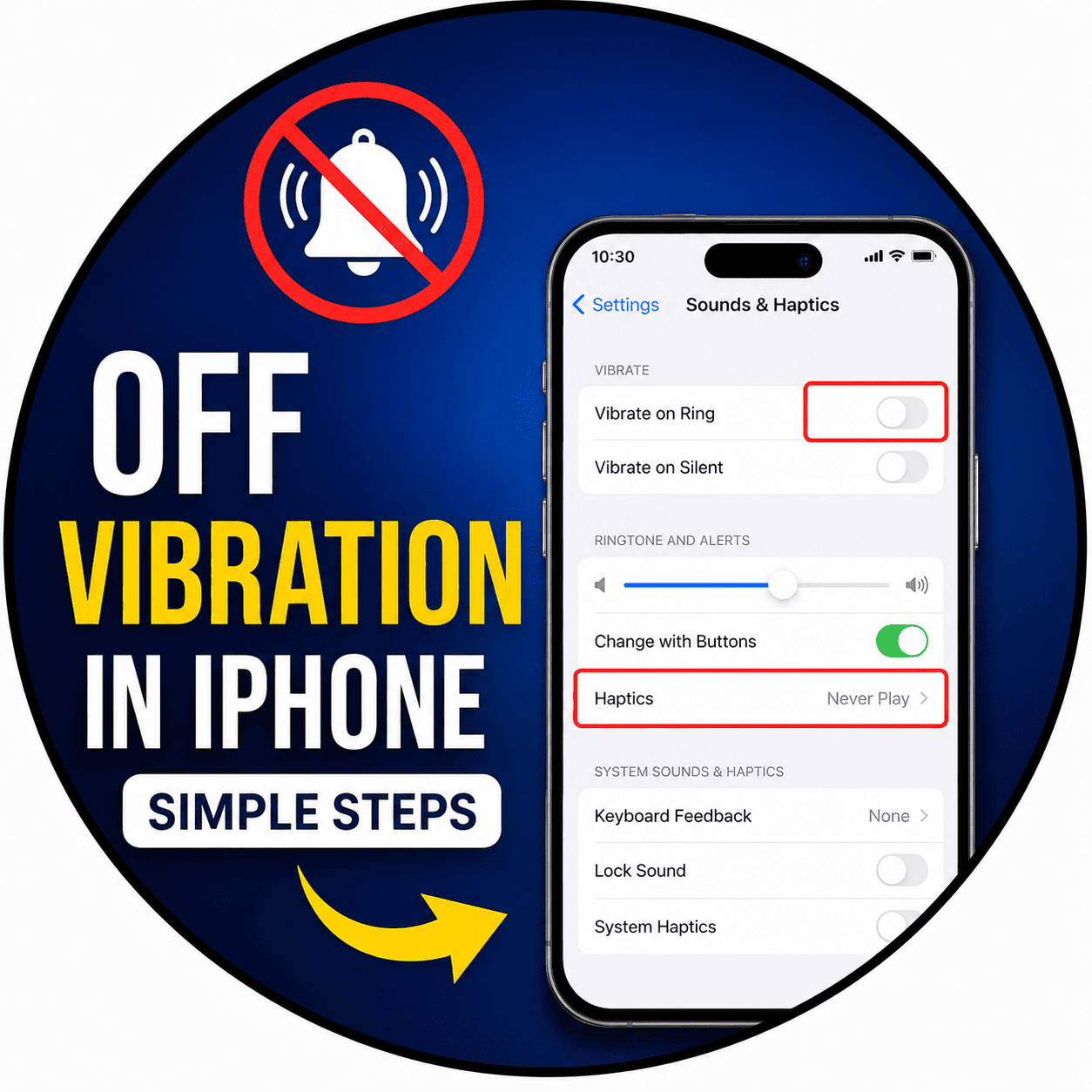
Customization of notification settings is very important if you want to be comfortable while using your iPhone. Disabling or off vibrations on my iPhone is necessary since otherwise you will get irritating alerts. There won’t be any problem regarding the process of receiving all calls, messages and other alerts. It is very helpful if you have classes at school or if you are on your way and do not want to be disturbed. It will be quite easy for you to change vibration settings on your iPhone in Settings application in a few simple steps.
There are various options available to you to disable vibrations on your iPhone like vibration for your phone calls, messages, applications, emergency alerts, key clicks and system vibrations. You can also customize your vibration settings as per people and in focus mode. Knowing how to customize your vibration settings on your iPhone will help you in customizing your iPhone as per your wishes.